AI Tools for Students: A Responsible Study Workflow is written to answer a specific reader question with practical steps and clear limits. The guidance below avoids invented first-hand testing and points readers to official resources where product details can change.
Use AI as a study assistant, not a substitute
AI can be useful for breaking a difficult topic into smaller steps, generating practice questions, checking the structure of notes, or showing another explanation of a concept. The learning benefit comes from what you do after the answer appears. Rewrite the idea in your own words, solve a fresh example without assistance, and compare the answer with your textbook, lecture material or trusted academic source.
Submitting generated work as if it were your own can breach course rules even when the wording looks original. Before using any tool for assessed work, check the institution’s policy and the instructions for that specific assignment.
A simple study workflow
Start with a clear goal such as “understand the difference between correlation and causation” rather than asking for an entire assignment. Give the tool the level of detail you need and ask it to explain the concept, then ask for three practice questions. Attempt the questions yourself before requesting feedback.
For reading, you can ask for a list of terms to look for in a chapter, but the chapter itself should remain the source. For writing, use AI to test whether an outline is logical, then draft the paragraphs yourself from your notes and evidence.
Check facts and references
AI systems can produce plausible but incorrect facts and can invent references. Never add a citation to an assignment until you have opened the source and confirmed that it exists, says what you claim, and is appropriate for the task. If the tool gives a quotation, locate the quotation in the original source before using it.
For calculations, repeat the arithmetic independently or use a calculator or spreadsheet. For current topics, confirm dates and policy details on official or reputable sources.
Protect personal and academic data
Do not paste student numbers, passwords, private feedback, unpublished research data or another person’s personal information into a public AI service. If you need help with a document, remove identifying details first. For group projects, agree on what can be shared with external tools before uploading shared material.
Review the account’s history and data settings, especially on shared devices. Sign out when using a public computer and enable multi-factor authentication when available.
Build skills that remain useful without the tool
The strongest workflow uses AI to increase practice rather than reduce it. Keep a short error log showing concepts you got wrong, prompts that produced confusing answers, and sources that corrected them. Over time, this becomes a revision guide based on your real weak points.
If you cannot explain the final answer without the tool, you probably have more learning to do. Use AI to create another example, not to hide that gap.
Official resources
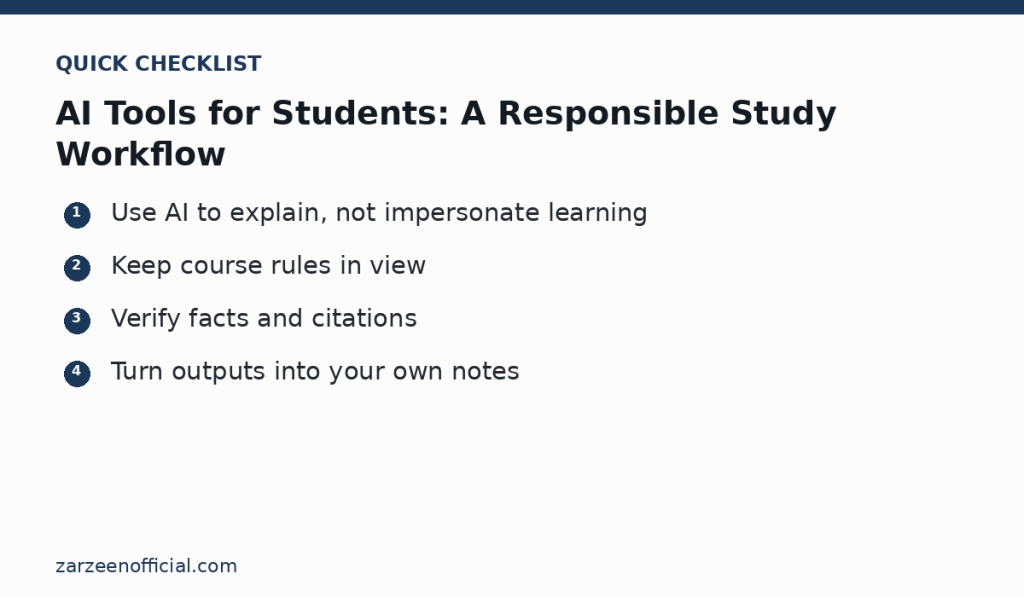
Key takeaway
Use AI to explain, not impersonate learning Keep course rules in view. Use the official links above when a feature, price, policy or security detail may have changed.