How to Use ChatGPT for Beginners: A Complete Practical Guide is written to answer a specific reader question with practical steps and clear limits. The guidance below avoids invented first-hand testing and points readers to official resources where product details can change.
Begin with a clear task
You do not need special prompt language to start. Explain what you want, give the minimum useful context, add any important limits, and say how you want the answer formatted. For example: “Explain this concept for a beginner in five bullet points, then give me two practice questions.” Clear instructions make the response easier to judge.
Avoid asking for several unrelated tasks in one long message when you can work through them in steps.
Use a four-part prompt
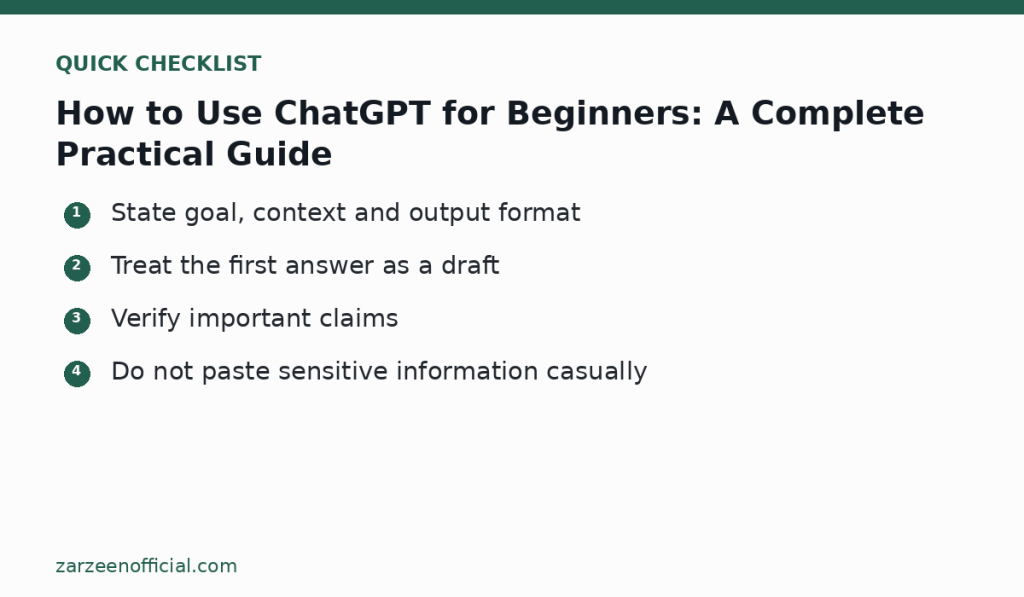
A reliable structure is goal, context, constraints and output. The goal is the task. Context is the information the assistant needs. Constraints include length, tone, audience or rules. Output tells it whether you want a table, checklist, email draft or explanation.
If the first result is close but not right, point to the exact problem. “Make paragraph two shorter and keep the examples” is more useful than “do it better.”
Check the answer before using it
ChatGPT can be helpful and still make mistakes. Verify dates, names, calculations, quotations and references before relying on them. For research, open the original sources rather than trusting a citation that appears in the response. For code, test in a safe environment. For documents, read the final version in your own voice and check whether it says anything you would not stand behind.
When the model seems uncertain, ask it to separate what it knows from what needs verification.
Protect private information
Do not paste passwords, authentication codes, private client records, confidential contracts, financial account data or other sensitive information into a chat unless you have a legitimate reason and the correct account controls. Remove identifying details from examples when possible.
Review the current privacy and data settings in your account because available controls can change.
Build a repeatable workflow
Save prompts that consistently help with a real task, but keep them short enough to understand. A useful workflow might be: create an outline, draft one section, verify facts, revise for tone, and then perform a final human review. The assistant should make the work easier to inspect, not harder to understand.
For important decisions, use ChatGPT as one input rather than the final authority.
Official resources
Key takeaway
State goal, context and output format Treat the first answer as a draft. Use the official links above when a feature, price, policy or security detail may have changed.