ChatGPT vs Gemini: Which Assistant Fits Different Everyday Tasks? is written to answer a specific reader question with practical steps and clear limits. The guidance below avoids invented first-hand testing and points readers to official resources where product details can change.
There is no universal winner
ChatGPT and Gemini are both general-purpose assistants, but the better choice depends on the work you actually do, the accounts and services you already use, and how much verification a task needs. Feature lists change quickly, so a comparison is more reliable when it explains a testing method instead of freezing a long list of features that may be outdated next month.
Start with three tasks you perform regularly. Examples might be improving an email, explaining a difficult concept, summarizing your own notes, brainstorming a project plan, or helping with a small piece of code.
Run the same side-by-side test
Give each assistant the same source material and instructions. Record whether it followed the format, how much useful detail it produced, whether it invented anything, and how long you spent editing the result. For a research-style task, verify every cited source. For writing, compare tone and factual accuracy instead of choosing the answer that simply sounds more polished.
Repeat the test on another day or with a second example. One unusually good answer should not decide a long-term subscription.
Consider the surrounding ecosystem
An assistant can be more valuable when it fits services you already use. Check the current official documentation for available connections, file support, account requirements and workspace controls. A user who works heavily in one ecosystem may value those connections more than a small difference in writing style.
Do not assume an integration is available on every plan, device or region. Confirm it inside your account and on the provider’s help pages.
Privacy and sensitive work
For ordinary brainstorming, either tool may be easy to test with non-sensitive information. For work documents, customer data or unpublished material, review the current data controls and your organization’s policy. Use enterprise or managed settings where required, and avoid copying confidential information into a consumer account just because the interface makes uploading easy.
If you connect mail or cloud storage, review the permissions and remove access you no longer use.
How to choose
Choose the assistant that produces dependable results for your real tasks with the least correction, fits your existing workflow, and gives you the account controls you need. Keep the other tool on a free tier if available and retest periodically because both products evolve.
A useful comparison should help you decide based on evidence from your workflow, not brand loyalty or a single benchmark.
Official resources
Key takeaway
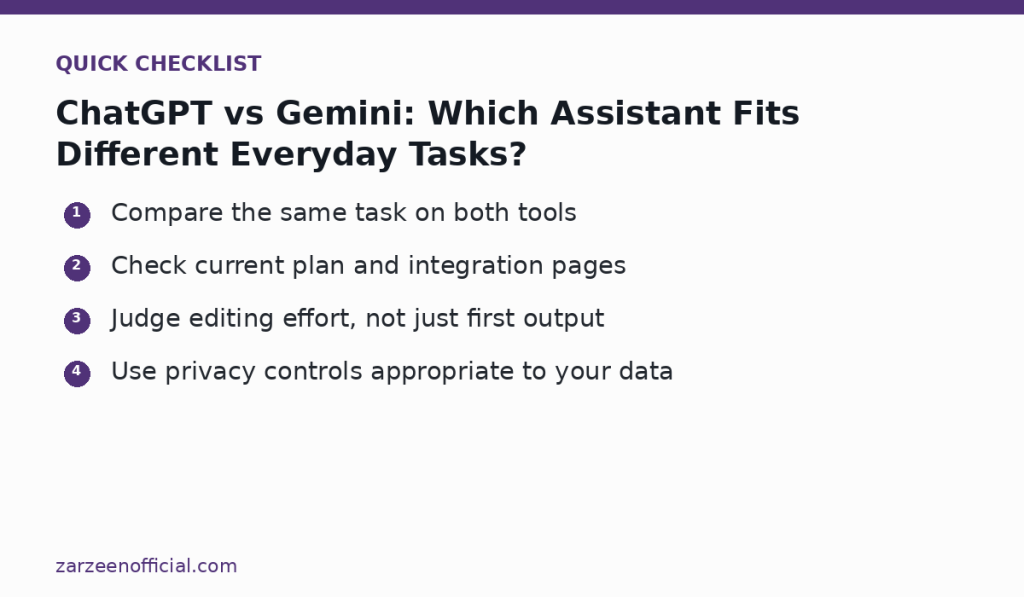
Compare the same task on both tools Check current plan and integration pages. Use the official links above when a feature, price, policy or security detail may have changed.