How to Compress PDF Files Without Making Text Hard to Read is written to answer a specific reader question with practical steps and clear limits. The guidance below avoids invented first-hand testing and points readers to official resources where product details can change.
Keep an untouched original
Before compression, duplicate the PDF and work on the copy. Compression can remove image detail, downsample scans or change embedded elements. Keeping the original means you can try a different setting without losing quality.
Understand what makes the file large
A PDF containing mostly text may already be small. Large scanned images, photographs, embedded fonts and unnecessary metadata often create most of the size. If a document contains high-resolution photos, reducing image resolution can save much more space than aggressive settings applied to text.
Choose the lightest compression that meets the limit
If a website accepts files up to a certain size, aim slightly below that limit rather than making the file as small as possible. Check headings, small text, charts and scanned signatures at normal viewing size. If text becomes fuzzy or thin lines disappear, return to the original and use a gentler setting.
Protect sensitive documents
An online compressor requires uploading the document to another service. For confidential contracts, identity documents, financial records or private client files, use an approved local application or your organization’s managed service instead. Read retention and deletion policies before uploading sensitive material.
Check the result before sending
Open the compressed PDF on another device if possible. Confirm page order, links, selectable text and images. Search for a word to see whether optical character recognition still works when that matters. Compare the final size with the original and keep the original until the recipient confirms the file is usable.
Official resources
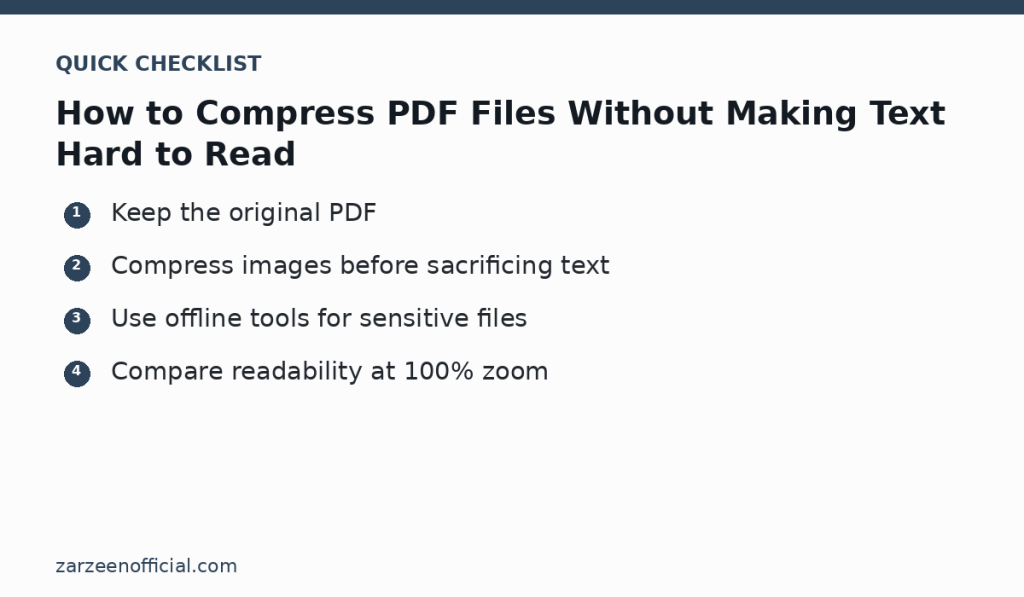
Key takeaway
Keep the original PDF Compress images before sacrificing text. Use the official links above when a feature, price, policy or security detail may have changed.