Best Password Managers for Everyday Users: Security and Usability Basics is written to answer a specific reader question with practical steps and clear limits. The guidance below avoids invented first-hand testing and points readers to official resources where product details can change.
Why a password manager helps
The main benefit is not convenience alone; it allows every account to have a different strong password. Reusing one password across sites means a breach at one service can expose accounts elsewhere. A password manager reduces the need to memorize dozens of credentials and can generate long random passwords.
Protect the master account
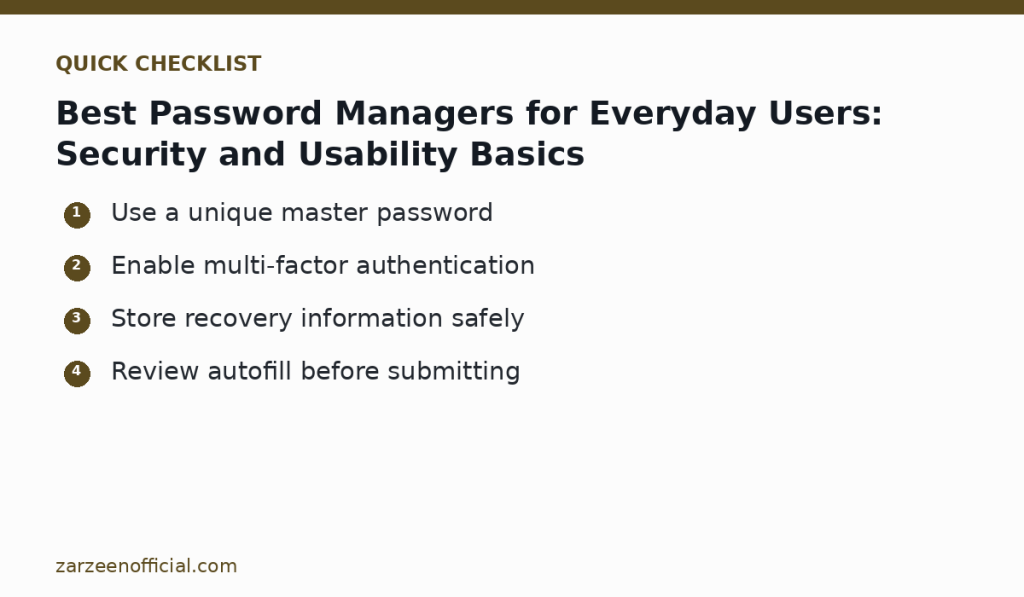
Choose a master password that you do not use anywhere else. Enable multi-factor authentication when supported and store recovery information somewhere you can access if your main device is lost. Do not keep the only recovery code inside the vault that you are trying to recover.
Check autofill carefully
Autofill saves time, but confirm the website domain before submitting credentials. A password manager can reduce phishing risk by refusing to fill a password on the wrong domain, but users should still inspect unusual login pages and avoid following suspicious links from email or messages.
Compare recovery, sharing and device support
Before choosing a service, check how account recovery works, which devices and browsers are supported, whether secure sharing is needed, and what happens if you stop paying. A family or business may need managed sharing and emergency access; a single user may prefer a simpler plan.
Keep software updated and review weak passwords
Install updates from the official app store or provider. Use the manager’s security report, if available, to replace reused or exposed passwords. Changing every password at once is not necessary; start with email, banking, cloud storage and any account that can reset other passwords.
Official resources
Key takeaway
Use a unique master password Enable multi-factor authentication. Use the official links above when a feature, price, policy or security detail may have changed.