Best To-Do List Apps: How to Choose a System You Will Actually Use is written to answer a specific reader question with practical steps and clear limits. The guidance below avoids invented first-hand testing and points readers to official resources where product details can change.
The app matters less than the habit
A task manager works when you trust it enough to put commitments there and review them regularly. If capturing a task takes too many steps, you will keep reminders in your head, chat messages and scraps of paper. Test how quickly you can add a task from the devices you use most.
Separate capture from organization
Use one inbox for new tasks, then organize them during a short review. Trying to choose the perfect project, tag, priority and due date while capturing every task creates friction. During review, decide whether the item is actionable, belongs to a project, needs a date, or should be deleted.
Use due dates only for real deadlines
When every task is marked urgent, the list stops helping. Reserve due dates for commitments that truly matter on a specific day. Use priority or a short “today” list for work you intend to do but could move if circumstances change.
Compare features using your real workload
If you work alone, quick capture and recurring tasks may matter more than advanced dashboards. A team may need assignment, comments and visibility. A student may value calendar integration and simple project lists. Test the free version with one week of real tasks before migrating everything.
Build a review routine
A daily review catches overdue items and chooses the next few tasks. A weekly review closes completed projects, checks upcoming deadlines and removes tasks that no longer matter. The best app is the one that makes this review easy enough to continue after the excitement of setup has passed.
Official resources
Key takeaway
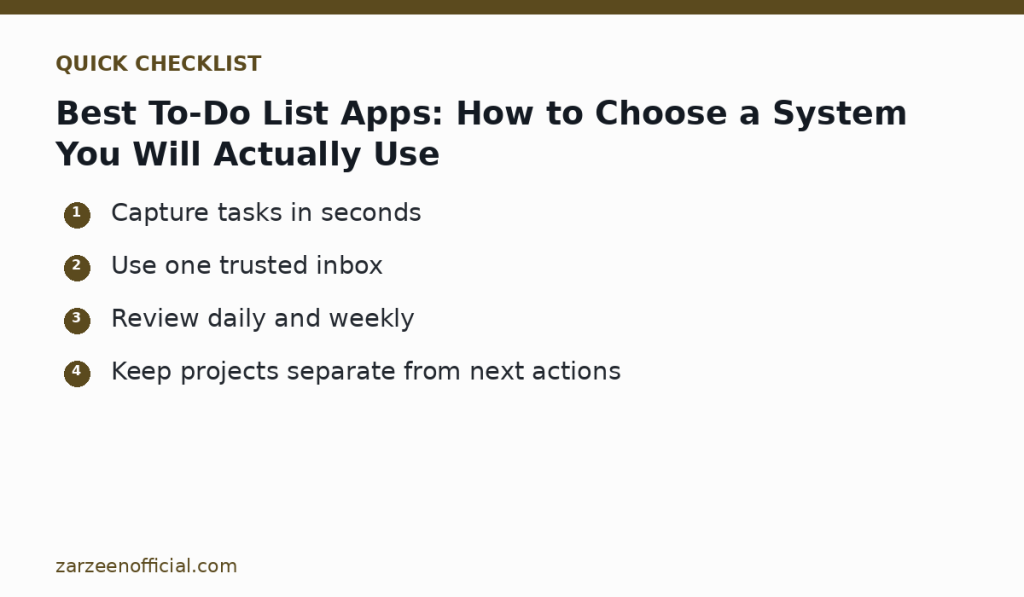
Capture tasks in seconds Use one trusted inbox. Use the official links above when a feature, price, policy or security detail may have changed.