Best Cloud Storage Apps: Sharing, Backup, Privacy and Cost Compared is written to answer a specific reader question with practical steps and clear limits. The guidance below avoids invented first-hand testing and points readers to official resources where product details can change.
Decide whether you need sync, sharing or backup
Cloud storage services often combine several jobs, but they are not identical. Sync keeps files available across devices. Sharing lets other people view or edit selected files. Backup is about recovering data after deletion, corruption, theft or device failure. A folder that syncs a mistaken deletion to every device may not protect you unless the service also provides version history or recovery.
Test recovery before an emergency
Upload a small test folder, change a file, delete it and confirm how recovery works. Check version history, recycle-bin retention and whether a restored folder keeps its structure. If important files exist only in one cloud account, consider a separate backup rather than assuming synchronization is enough.
Review sharing controls
Before sending a link, check whether access is restricted to named people or available to anyone with the link. For collaborative work, use the least permission required. A person who only needs to read a document does not need edit rights. Review old shared links and remove access when a project ends.
Consider privacy and account security
Use a strong unique password and multi-factor authentication. Review connected apps and active sessions. For confidential business data, check whether your organization requires a managed business plan, data-location controls or contractual terms. Avoid using a personal account for files that belong to an employer or client if policy requires managed storage.
Compare cost based on the workflow
Storage size is only one factor. Collaboration tools, office integration, family sharing, recovery options and support may change the value of a plan. Check current prices on official pages before purchasing. The best service is the one that makes recovery and permission management simple enough that you will actually use them.
Official resources
Key takeaway
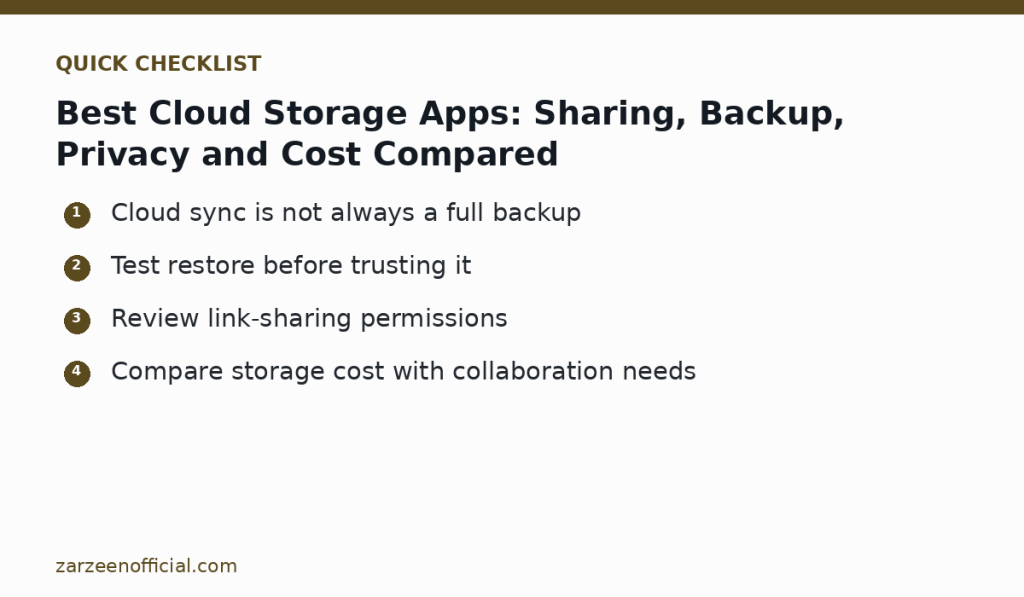
Cloud sync is not always a full backup Test restore before trusting it. Use the official links above when a feature, price, policy or security detail may have changed.